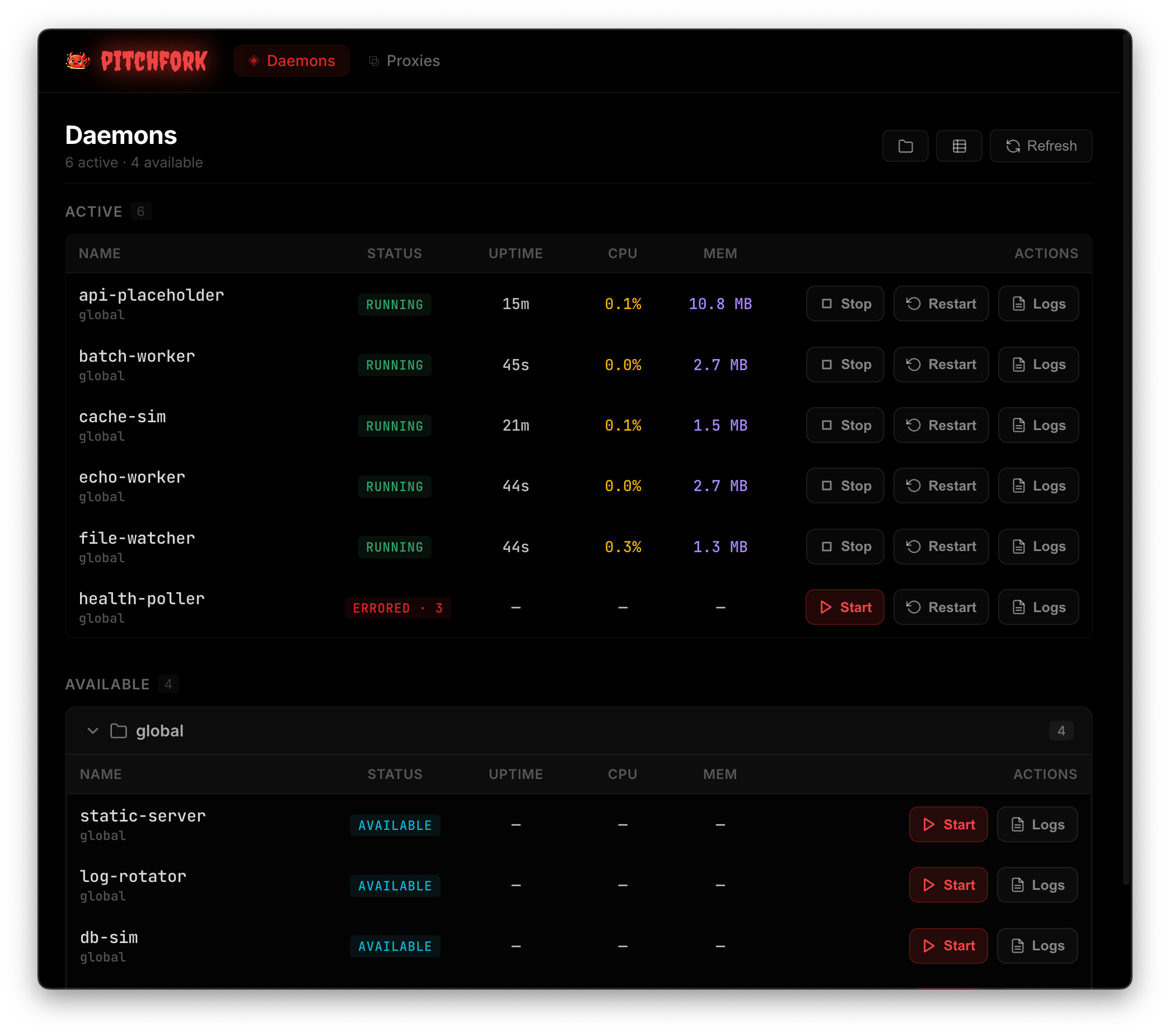
A process manager for local development
Pitchfork runs your development services in the background so you don’t need to keep a terminal open for each one. Define your API, database, and workers in pitchfork.toml, then start what you need from any terminal.
mise use -g pitchforkMore ways to install
$ pitchfork start api
:6379:3000$ pitchfork start api
Already running.
$

How it works
Use the same commands you already run. Pitchfork starts dependencies in order, waits for readiness checks, and collects logs. Starting a service that’s already running is safe, so you can switch terminals or return to a project without remembering what you left running.
Walk through this setup[daemons.redis]
run = "redis-server --port $PORT"
port = 6379
ready_cmd = "redis-cli -p $PORT ping"
[daemons.api]
run = "node server.js"
port = 3000
depends = ["redis"]
ready_http = "http://localhost:3000/health"
retry = 3The API starts after Redis passes its readiness check.
Automate what you need
You can configure services to restart when files change, retry after failures, or start and stop as you move between projects. Port management and local URLs help you run multiple projects and worktrees without manually keeping track of addresses.
See what’s running
Check status and follow logs from the CLI, or use the terminal or web dashboard to manage services across projects.